About this tool
A free carousel generator that typesets your writing
Paste a note, a thread or a short article and Carousel Generator turns it into a carousel. It breaks the text into slides between sentences, never inside one, then fits the type size, line breaks and spacing of each slide to the frame. Your sentences stay as you wrote them. The tool sets curly quotes and a real ellipsis, and drops the comma or semicolon that joined list items.
Who it is for
People who post carousels on LinkedIn, Instagram or Substack Notes and would rather write than lay out slides. It runs in your browser, with no account.
How it works
A few marks shape the deck: a line that starts with a hash becomes a title, a line that opens with a greater-than sign becomes a quote, and a table becomes a data slide. The same words and settings always give the same deck. There are 53 looks and 12 type pairings, and frames from a square or 4:5 post to a 9:16 story or a 16:9 slide.
What it exports
- Slides
- Every slide as a PNG in one zip, with the captions and a deck file, or a single slide as PNG, JPEG or WebP.
- One document with the words kept as selectable text, the format LinkedIn takes for a document carousel.
- Video
- The deck as an MP4 or WebM video, with each slide’s words animating in.
- Review
- A storyboard PNG of the whole deck in reading order, for approvals.
- Keep
- A deck file and a share link that reopen it exactly, and the caption ready to paste under the post.

Cobalt poster · cover 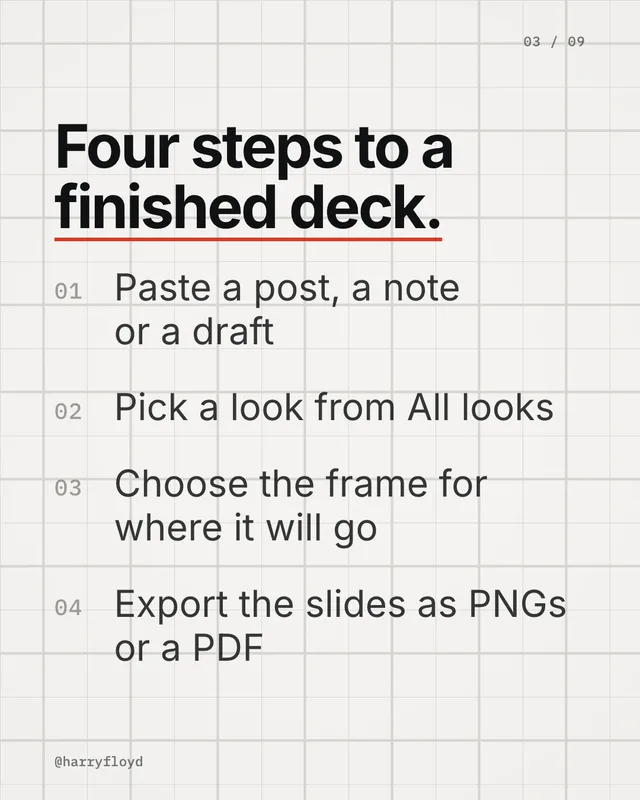
Swiss grid · steps 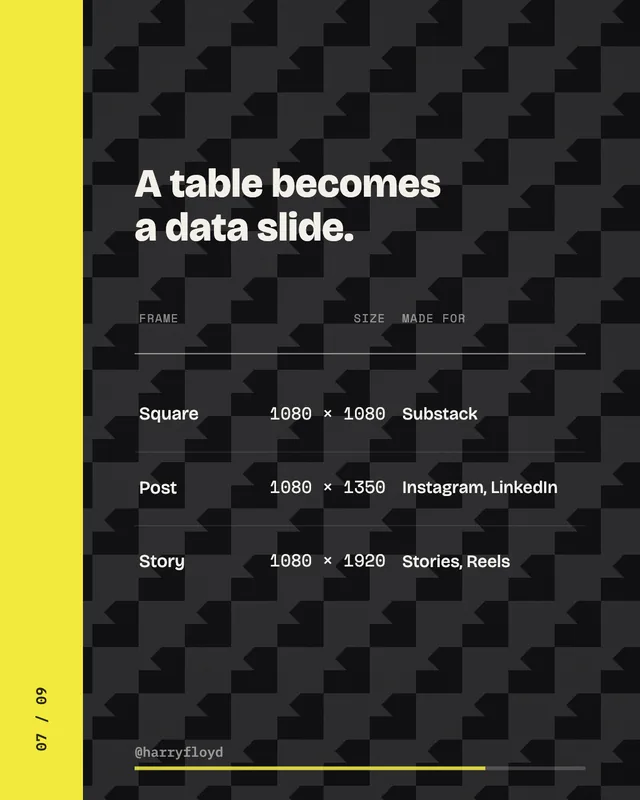
Zine steps · data slide
All six design toolsDesign a ground for your slidesThe Durability Curve