Free · runs in your browser
3D logo maker

Drop in your logo as an SVG and it comes back as a solid object with a bevel that catches the light. Pick gold, chrome, glass or paint, then save a still, a loop or a set of app icons.
It opens in brushed gold with “Your logo” set in 3D. Type your name over it, or open Shape and drop your SVG on its Yours tab.
Real output
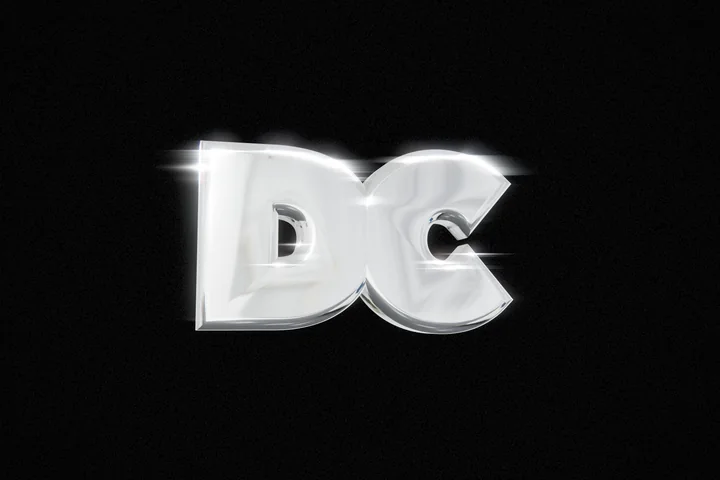
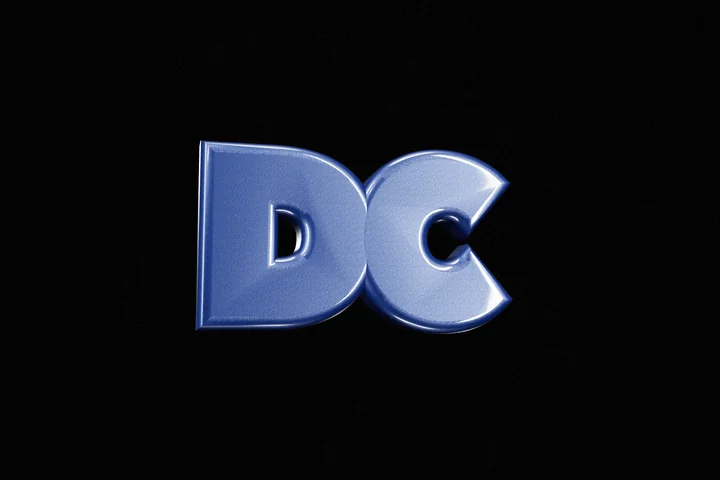
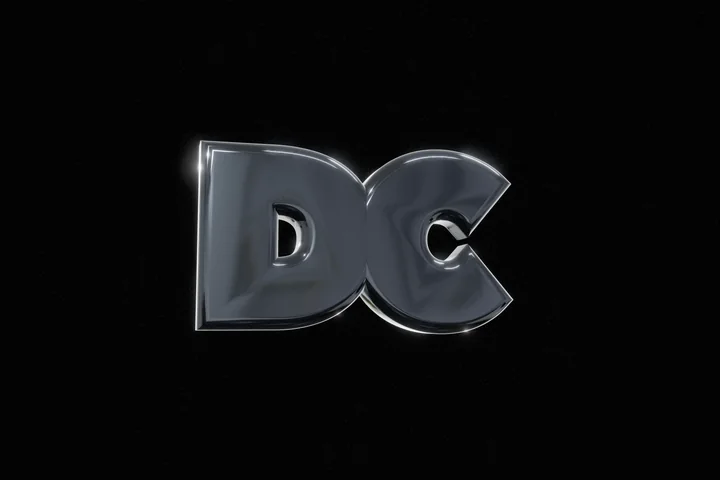
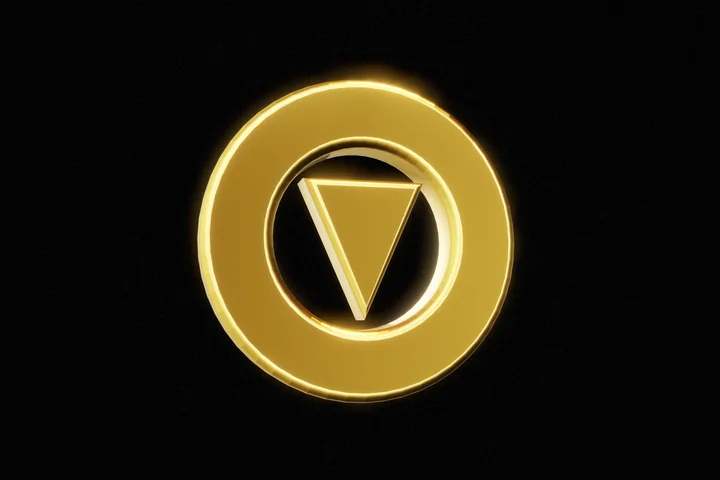
Each opens its finish, ready for your SVG
Finishes on two logos
-
Chrome
-
Car paint
-
Black chrome
-
Brushed gold · ring mark
-
Chrome · ring mark
-
Clear glass
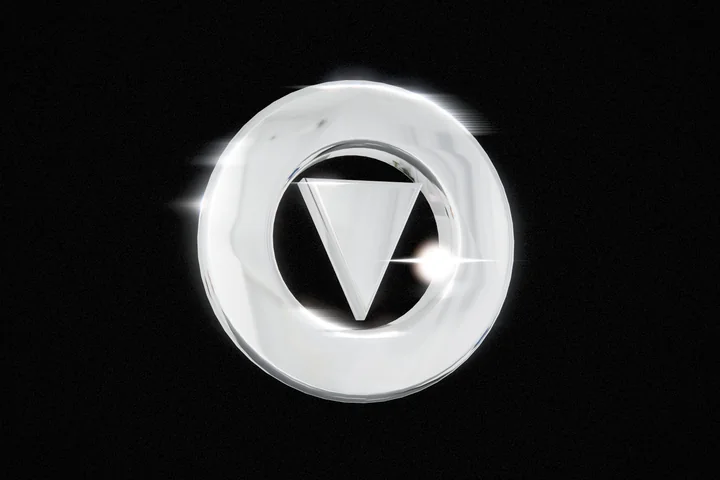
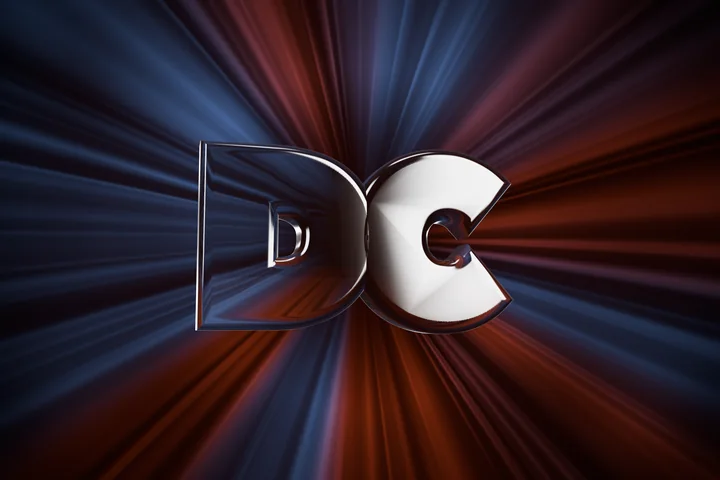
From an SVG to a 3D logo
Export your logo as an SVG. In the editor, open Shape, choose its Yours tab and drop the file in. The logo turns to face you at a slight angle, with a shallow bevel, and the material you pick replaces its colours.
The editor fills every path in the file and ignores text, so a ring drawn as a stroke comes in as a solid disc. Convert strokes and text to outlines in your design app before you export.
A wordmark needs no file. The editor opens with “Your logo” set as a 3D word, so type your name over it. In a loop the logo holds still and the light sweeps across it, so a loop never shows the logo backwards.
Save a transparent PNG for a website or a deck, render a loop for a launch post, or export the app icon kit: PNGs at 1024, 512, 192, 180, 32 and 16 pixels, a favicon, and the tags to paste into your site. Your file stays in your browser.
More ways in
Start somewhere else
- 3D text generator Type a word and get solid letters in chrome, gold or glass.
- 3D glass generator Clear, frosted and tinted glass shapes, lit for glass.
- The full 3D editor Every shape, material and room, from the start screen.
- All six design tools Studio, line art, diagrams, backgrounds and carousels.