Free · runs in your browser
Gradient generator
Pick a style and five colours, and the gradient renders live. Change the blend, the grain and the light, then save a picture, a loop or CSS.
It opens on Pastel aura. Every picture below opens on its own settings.
Real output
Each opens on its own settings
Gradients
-
Dusk mesh
-
Golden aura
-
Northern · aurora
-
Glacier aura
-
Violet aura
-
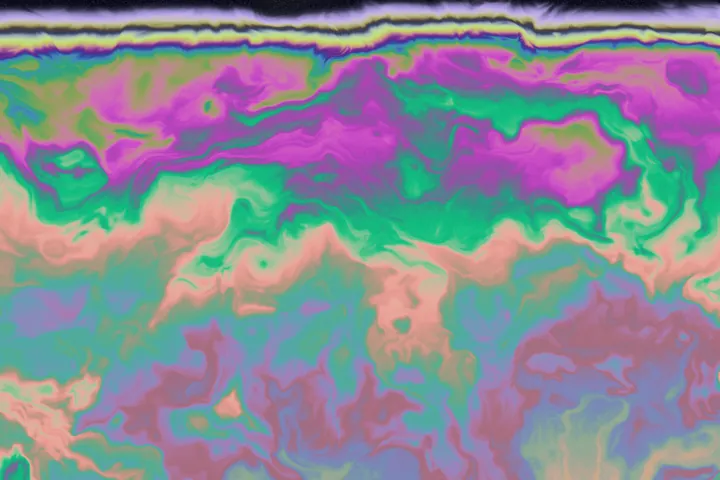
Oil slick · thin film
How the colours blend
A palette here is five colours, and the field blends them in OKLab, a colour space built so that halfway between two colours looks halfway. A blue-to-orange gradient stays clean in the middle instead of turning grey.
Start from one of sixteen palettes, build one from a single colour with a harmony (analogous, complementary, triad or mono), take the colours of a photo you drop in, or paste your brand's hex codes or a Coolors link.
Every look also exports as CSS. The tool fits real gradient code to the picture and tells you how close it comes, so a smooth gradient costs no image download. Detailed looks such as Oil slick come out rough, and the tool says to save those as a picture. Every style saves as a PNG, JPEG or WebP, up to 6000 pixels on the long edge on a computer, or as a video loop.
Every picture comes from a seed, so a share link reopens the same gradient. It all runs in your browser tab, with no account.
More ways in
Start somewhere else
- Animated background generator Moving backgrounds that loop with no jump, as MP4 or GIF.
- Wallpaper generator Phone and desktop wallpapers at the size of your screen.
- Fractal generator Fractal flames and 3D fractals, rendered live.
- The full background editor All 58 styles and 125 looks, from the start screen.
- All six design tools Studio, line art, diagrams, backgrounds and carousels.